
Security and control: your data stays yours
Your data, your rules — for people and for AI
Every action is checked by the server, not just by the screen where someone clicked a button. You decide where the system runs, who can do what and how long data is kept. AI staff follow the same rules. Access can be revoked at any time, and every important action can be checked in the log.
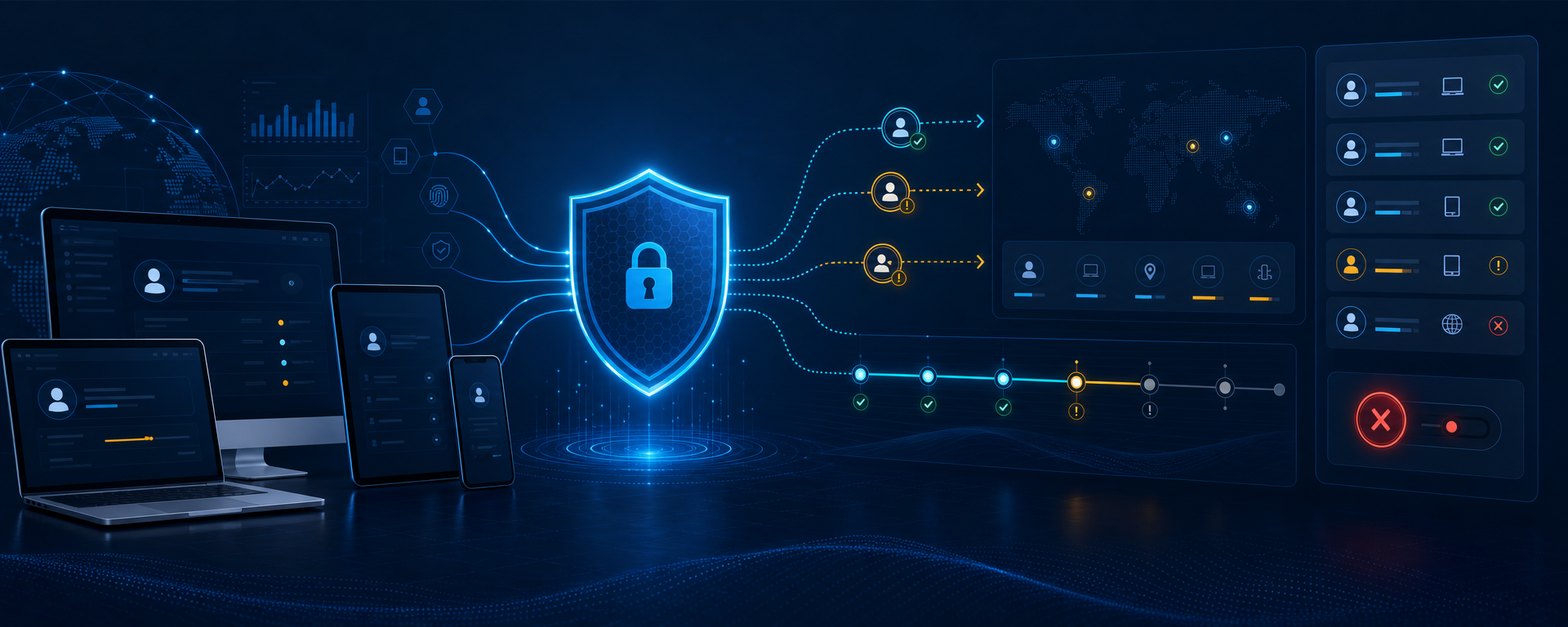
What stays under your control
Customer data and GDPR
The data in the system is yours: you control it, how long it is kept, its export and who can access it. Under GDPR, your company is the data controller, and the system gives it settings for consent, retention, export and anonymisation of customer records.
Where the system runs
On your own server or on ordinary hosting — your data is stored where you decide. Who handles administration, backups and updates is agreed before launch.
The licence and your data
You receive Sapphire I.C.D.S. and its modules under a perpetual licence; the source code and exclusive rights are not transferred automatically. The licence does not affect your data, which stays yours.
How every action is checked
A hidden button is not protection. The server checks the rights every time, at the moment of the action.
- 1
Who you are
The account, the current sign-in and the device are checked.
- 2
What you are allowed to do
The user's group, their rights, the rights of the connection and whether the function is switched on are all taken into account.
- 3
Whether it is allowed for this data
The module checks the action itself, the owner of the record, which fields may be changed and whether the data has changed in the meantime.
- 4
Done and recorded
The result is recorded together with the user, the sign-in and the function that was used. Critical actions need a separate confirmation.
AI without access to everything
Only permitted actions
AI sees a short list of the actions you have allowed — not the database and not the system's internal functions.
Reading, changing and deleting are separate
Rights to view, to change and to take critical actions are granted separately. A user cannot widen the limits set by an administrator.
ChatGPT and Claude only with your permission
When you connect ChatGPT or Claude from outside, they do not automatically get everything the built-in AI staff can use. You open, limit and revoke each such connection separately.
Security you can manage day to day
Sign-ins and devices
Employees can see where they are currently signed in. An administrator with the right permissions can end one sign-in or all of them at once, according to your company's rules.
Recovery and revoking access
Access is recovered with single-use codes that expire. After a role or password change, or a confirmed threat, old access is closed automatically.
A log without passwords
Important events are recorded: who did what and when. Passwords and secret keys never get into the log, and viewing the log needs a separate permission.
Tell us what must stay only with you
Where the system should run, what data you keep, which groups of staff will use it, what connects from outside and what can be trusted to AI. We will propose a clear plan for rights, responsibilities and launch.