
Model Profiles, Context, and Extra JSON
What a profile defines
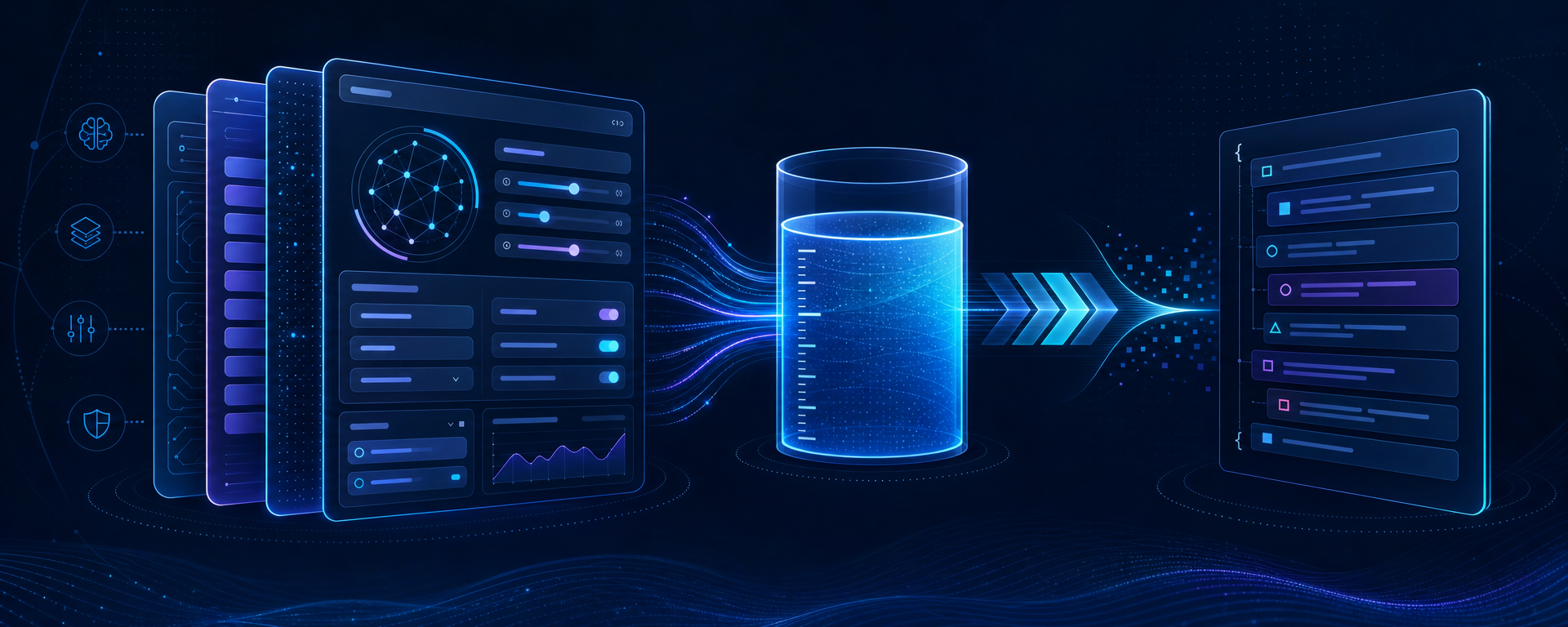
A model record in Sapphire I.C.D.S. describes technical capabilities, while a profile defines how those capabilities are used. You can create, for example, a strict support profile, a concise classification profile, and an extended analysis profile for the same model. Each may have its own system instruction, response length, and context budget, but all settings must remain within the limits of the registered model.
In AI Settings → Profiles, select a provider and model. They must belong together: a profile cannot connect a model to a different provider. Profile key is a stable machine identifier, such as support_ru. Do not use an employee name or a temporary task number. An enabled profile is available for selection; the default profile is used when the client does not identify a specific record. Assign the default only after testing.
System instruction and response format
System prompt defines the role and permanent rules of the selected mode. Write it as a verifiable contract: scope of tasks, language, output format, constraints, and completion criteria. Do not place API keys, personal data, the complete knowledge base, or instructions that an operator must change for every request in this field.
At runtime, the system begins with the profile's system instruction and appends enabled management-owned instructions as mandatory corporate policy. Session history and its summary remain data. Memory and knowledge are not preloaded in full; the model retrieves them on demand through authorized tools. Increasing the system prompt therefore does not replace instruction, memory, knowledge, or tool-permission configuration.
Set Response format only to a form understood by the selected adapter and model. Plain text is a safe starting point for ordinary dialogue. If structured JSON is required, verify support in both the model and the consuming component first: a profile value alone does not guarantee conformance to your business schema.
Reasoning, Temperature, and Top P
Use Reasoning effort only for models that document such a mode. Do not copy a value from another model family. Temperature and Top P have separate enable switches. When a parameter is disabled, the profile should not force it on the provider; that is preferable to sending an accidental zero. In most cases, control variability with one mechanism and leave the other disabled. Fact extraction and classification normally require more stable settings, while variant generation may use looser settings, but always confirm the accepted range in the model documentation.
How context is calculated
The model record contains three upper bounds: full context, maximum input, and maximum output. A profile defines four operational values. Max output tokens limits one response. Active context tokens is the budget available to the Sapphire agent. Compaction reserve tokens is the part reserved for safe compaction. The automatic threshold is:
active_context_tokens - compaction_reserve_tokensThe reserve must be positive and strictly smaller than the active budget. Active context may not exceed the model's maximum input, the response limit may not exceed maximum output, and their sum must fit within full context. For example, with a context of 128000, input of 120000, and output of 8192, you could configure an active budget of 64000, a reserve of 16000, and a response limit of 4096. The compaction threshold would be 48000. This is an arithmetic example, not a universal recommendation.
Maximum agent rounds limits model–tool cycles, while Maximum agent runtime limits total elapsed time in seconds. A value of 0 means that this particular profile ceiling is absent; it does not remove provider limits, user cancellation, no-progress protection, or system constraints. Set explicit finite values for critical or expensive scenarios and measure actual behavior before increasing them.
Streaming and model changes
The streaming switch defines the preferred response-delivery mode. It does not make a synchronous API stream if the provider does not support streaming. When changing models, create a new profile or carefully recalculate every budget. Compaction state associated with one provider and model cannot be assumed to be portable to another pair.
Extra JSON without hidden surprises
Extra JSON is an optional JSON object for additional parameters documented by a particular provider. It is an extension point, not a second profile. Start with an empty object:
{}If the API genuinely requires another option, add only that option. A neutral structural example is:
{
  "metadata": {
    "integration": "sapphire-docs"
  }
}
This example is valid only when the selected API supports metadata. JSON must be an object with double quotes, no comments, and no trailing commas. Do not put a secret, Authorization value, base URL, model key, user identifiers, or confidential content in it.
Do not duplicate core request fields such as the model, tools, tool selection, input messages, temperature, Top P, or max output tokens in Extra JSON. A conflict makes diagnosis harder and may change behavior after an adapter update. enable_tools is not a way to bypass tool governance, and managed context policy must not be replaced with an arbitrary option. Tools are authorized by the server catalogue, group permissions, and session selection.
Profile verification
- Save the profile enabled, but do not set it as default.
- Create a new session and explicitly select the profile.
- Check a short response, the system instruction, and the requested format.
- Run a long test and observe context threshold and compaction behavior.
- Verify round and time limits when they are non-zero.
- Add Extra JSON one key at a time and repeat the test.
- Only then assign the profile as default.
If a request is rejected, first clear Extra JSON, disable optional sampling parameters, and repeat the minimal test. Then verify limits and support for reasoning or the response format. This order separates an error in basic registration from an incompatible additional option.
Choosing a budget size
Start from a measured workload rather than the model maximum. Estimate the system instruction, typical history, expected tool results, and response allowance. An unnecessarily large active context increases cost and processing time, while one that is too small causes frequent compaction. The reserve must permit a valid summary before the hard limit is reached, so it should not be reduced to a token amount with no practical value.
Use separate profiles when tasks differ materially in length, reasoning, or runtime requirements. One universal profile is harder to verify and change safely. Record the profile's purpose in its operating documentation, but do not encode routing or permissions in the system prompt: profile selection and tool authorization are controlled by other layers.