
A Multilingual Corporate Platform without Duplicating Systems
A company's move into a new market often begins with the translation of a few pages. Several months later, separate interface files, copies of product records, local versions of directories, and manual currency rules have appeared. Each team updates its own part, and users of different languages receive inconsistent information. This approach looks inexpensive at the beginning but quickly becomes an ongoing synchronization cost.
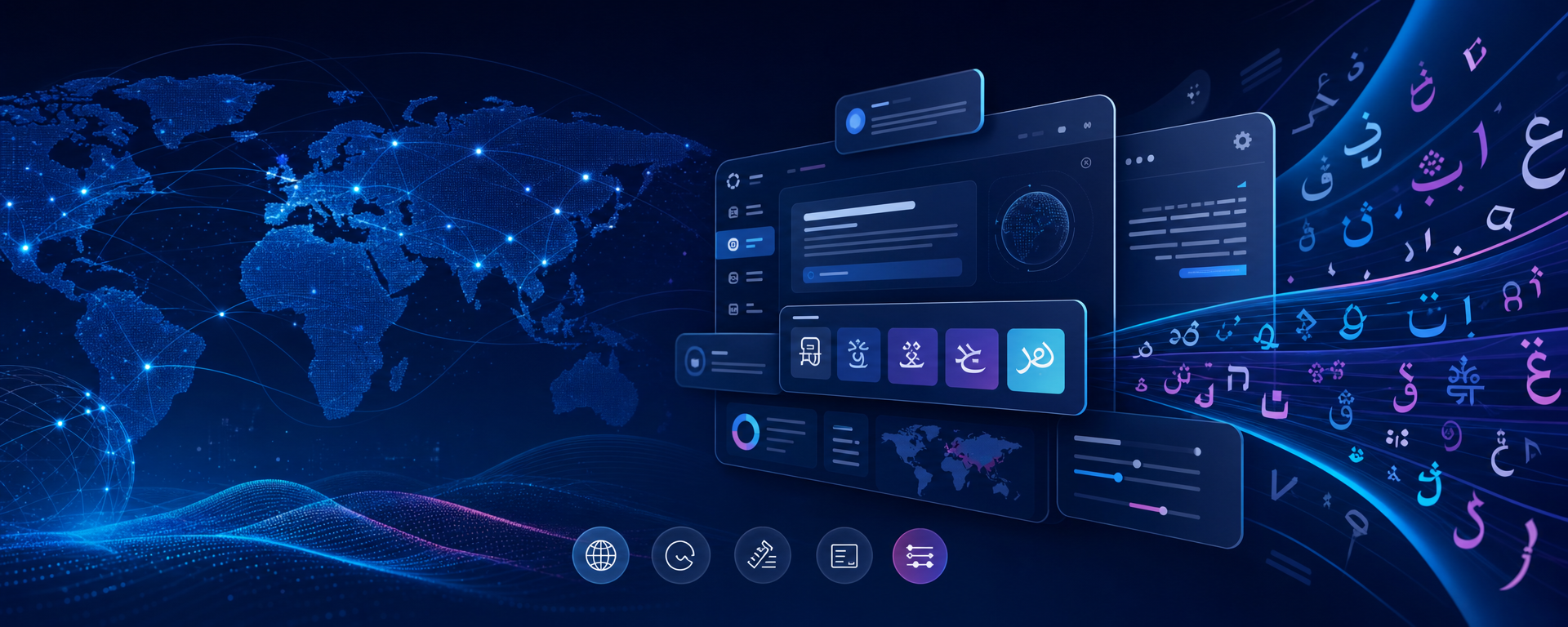
Sapphire treats multilingual support as a system property of the corporate platform. Page language, text direction, interface vocabulary, translations of business entities, regional parameters, and search metadata work in one consistent framework. A new language is added not by creating a copy of the website, but by enabling another presentation of the same processes and data.
Three layers of localization
The first layer is the static language of the interface. Headings, buttons, statuses, hints, error messages, and empty states receive stable semantic definitions. Translations for active languages are stored for each definition. The same term is used consistently across the public area, administration forms, and specialized modules.
The second layer is dynamic business content. An article title, property description, field label, or news text is not replaced through conditional branches in the application. Translations are stored as related language versions of the data. An editor can update the Russian text without overwriting the English or Hebrew version and can explicitly see which version has not yet been prepared.
The third layer is regional parameters. A language has a standard code for browsers and search engines, an active status, and a writing direction. Currencies are managed centrally and can be used by industry modules. Default values define the initial behavior of the project, while user or domain configuration can select the appropriate option.
Regionals as a working center
The Regionals module provides administrative lists of languages, currencies, and interface vocabulary. An administrator can search definitions by their internal meaning or existing translations, review language coverage, and open a record for editing. Pagination makes it possible to work with a large corporate vocabulary without loading the entire dataset onto one page.
A language can be enabled or disabled according to project readiness. This is useful when launching a new market: translators and editors prepare the material in advance, and public activation takes place after review. Missing values become a visible, manageable task instead of being discovered accidentally by a visitor.
Permissions for languages, currencies, and vocabulary are separated. An employee who translates the interface does not have to receive permission to change currency parameters or the language structure. This division is particularly important when external editors, regional offices, or several product teams participate in localization.
One vocabulary instead of strings in templates
BoardWords is the shared vocabulary of user-facing terms on the platform. Modules refer to a semantic key, and the user receives the text in the current language. Corporate terminology can therefore be changed centrally. For example, an organization can agree on one consistent name for a customer, request, or department and apply it across all related surfaces.
For configurable forms and fields, translations cover not only labels but also hints, placeholders, and selection options. The structural field code remains stable for integrations and reporting, while the visible text adapts to the language. Renaming an interface term does not change the value stored in business data.
The same principle applies to entities created through governed tools. If an administrator or AI assistant adds a field, section, or content item, the operation can provide several language versions at once. This prevents automation from creating a useful object in only one language and leaving the other interfaces with technical names.
LTR and RTL on one platform
An international project must account not only for translated words, but also for reading direction. Sapphire stores text direction as a language property and passes it to the common page shell. Languages written from right to left can therefore use the same modular framework as languages written from left to right.
This does not remove the need for visual review of a specific design, its tables, and documents, but it provides the correct system foundation. The team does not need to maintain a separate application solely for a different text direction. Localized print presentations and industry modules can rely on the same parameter.
International SEO without competing copies
Translation alone is not enough for public pages. A search engine needs to understand which addresses are language versions of the same entity. Sapphire's common frontend framework generates a canonical address and links to available language alternatives from the same route model that opens the page.
This rule applies to lists and detail pages in content and industry modules. The sitemap uses the same canonical addresses and language relationships. Different versions therefore do not compete as accidental duplicates, and search indexing remains consistent with the actual structure of the portal.
Organizing the translation process
- Define active markets, languages, writing directions, and currencies.
- Assign owners for the common vocabulary and business-content translations.
- Separate permissions among editors, regional managers, and administrators.
- Review coverage of interface terms and key entities before making a language public.
- Perform visual and search checks for every language version on real routes.
This process scales better than exchanging translation spreadsheets by email. The central team maintains terminology and structure, while regional specialists are responsible for substantive accuracy. Everyone works in one project, so a functionality or permission fix does not need to be repeated across several copies of the system.
For the business, multilingual Sapphire means the ability to develop one corporate product for several countries and audiences. The platform does not claim to replace a professional translator, but gives that person a governed environment: explicit language versions, a shared vocabulary, separated permissions, and technically correct publication. This lowers maintenance costs and helps preserve consistent process quality regardless of the selected language.